The Services section of a Google Business Profile lists every specific job you do — and if yours is empty, or just says the name of your business, you’re invisible for half of what you actually sell.
This is the most common gap we find when we audit profiles — including the ones that otherwise look finished. It takes twenty minutes to fix and it’s free.
What is the Services section on a Google Business Profile?
The Services section is a structured list of the specific jobs you do, each with a short description, sitting under your categories. It’s different from your primary category: the category says what kind of business you are, and services say what individual jobs you take. Google uses both to decide which searches to show you for.
Why does the Services section matter for ranking?
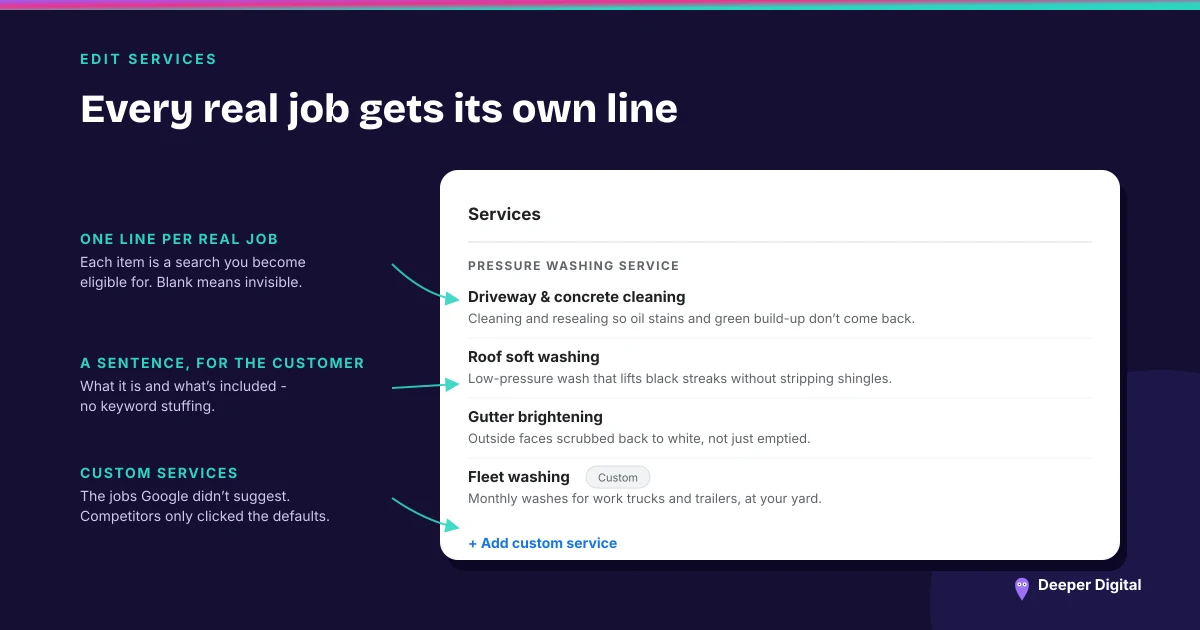
Because it widens the net. A pressure washing company with a blank services list competes only for “pressure washing.” The same company with “driveway cleaning,” “roof washing,” “gutter brightening,” “fleet washing,” and “graffiti removal” all listed — each with a sentence — becomes eligible for every one of those searches. Those are real jobs people type in, and an empty section can’t match them.
How should I write my service descriptions?
Plainly, and for the customer. For each service, add one or two sentences that say what it is, who it’s for, and what’s included.
Work the way a customer would describe it — “We clean and reseal concrete driveways so oil stains and green build-up don’t come back” beats a keyword-stuffed line. Google ignores keyword stuffing and customers dislike it, so you lose twice.
How many services should I list?
Every one you legitimately offer — and only ones you legitimately offer. Listing services you don’t actually do breaks Google’s guidelines for representing your business and is a fast way to get your profile suspended. Most owners can list eight to fifteen real services once they stop thinking in categories and start thinking in individual jobs.
Do custom services beat Google’s suggested ones?
Use both. Add Google’s suggested services when they fit, then add your own custom ones for the jobs Google didn’t suggest. The custom services are often where your least-contested rankings live, because your competitors only clicked the defaults.
Quick wins for the Services section
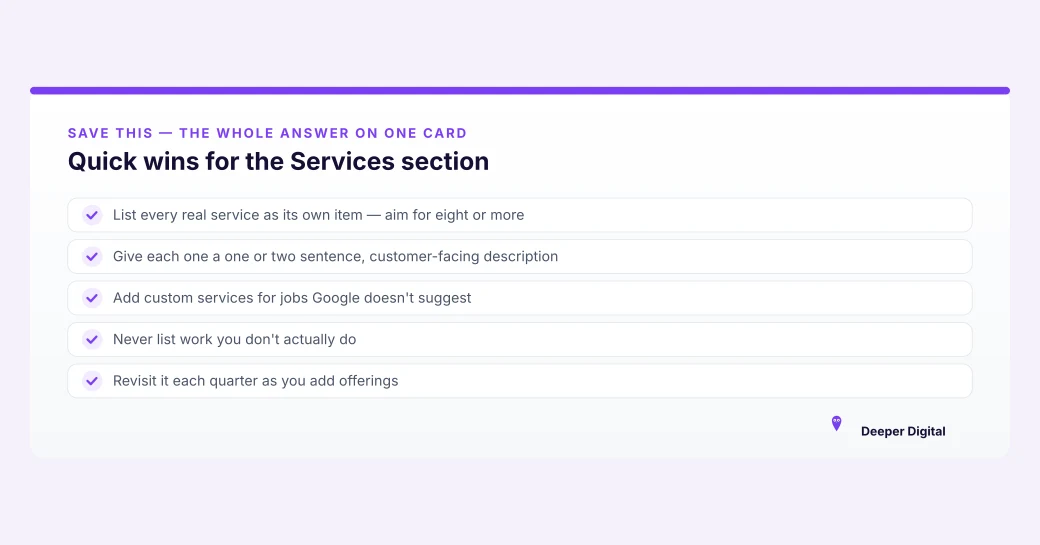
A strong Services section lists every real job — ideally eight or more — each with a one-sentence, customer-facing description:
- List every real service as its own item — aim for eight or more
- Give each one a one or two sentence, customer-facing description
- Add custom services for jobs Google doesn’t suggest
- Never list work you don’t actually do
- Revisit it each quarter as you add offerings
The Services section is one item on the full profile checklist. To see how your whole profile scores, run the 15-minute checklist — and if your reviews are thin too, here’s the system we use to fix that.
Filling this out once, then revisiting it every time you add a service, is profile management on any plan. Want the gaps on yours pointed out first? Get a free game plan — you keep the findings whether or not we ever work together.
 NASP
NASP  Wild Foods Co.
  Noble Origins
  Cowboy Pools
  BT Biltong