Wrong or missing hours on a Google Business Profile cost you calls — no dramatic failure, just calls that never happen and the occasional bad review from someone who drove out to a closed door. Of all the settings on your profile, hours feel like the most boring, and that’s exactly why they leak money.
It takes ten minutes to get right. Here’s how, and why it matters more than it looks.
Do business hours affect your Google ranking?
Not as a heavy direct ranking factor — but they feed the things that are. This is the pattern with almost every “small” profile setting.
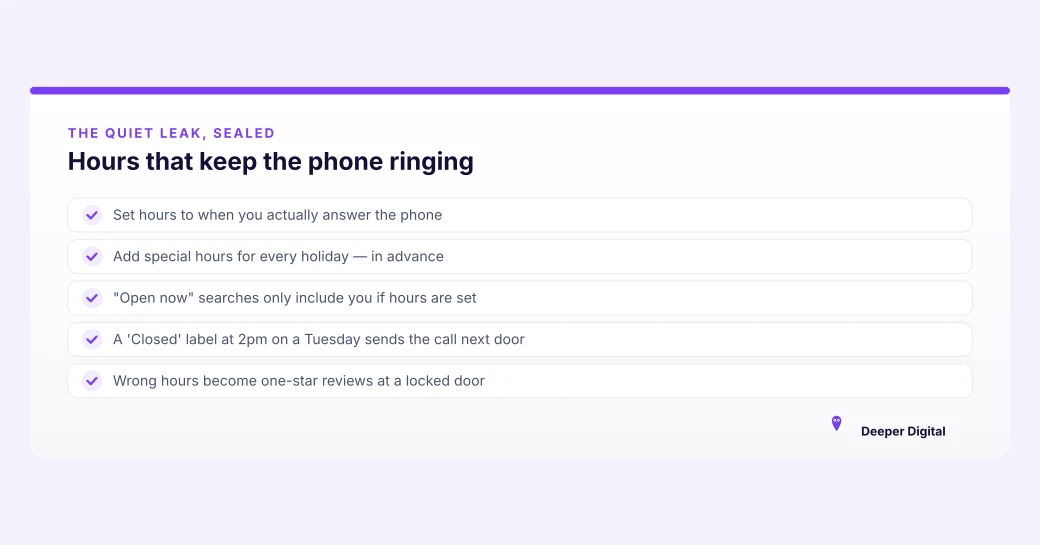
Accurate hours make Google more confident displaying you. They keep you in “open now” searches, which is exactly when someone’s ready to call.
And they prevent the worst-case: a customer arriving or calling when you’re unexpectedly closed, then leaving a one-star review about it. That review does hurt you.
So hours aren’t a lever you pull for ranking — they’re a leak you seal so the rest of your work isn’t undercut. It’s the same logic behind the whole profile checklist: the profile only ranks when every fact on it is trustworthy.
How do you set your regular hours?
In your Google Business Profile, open the Hours section and set the days and times you’re actually reachable (Google’s official steps here). Two things people get wrong:
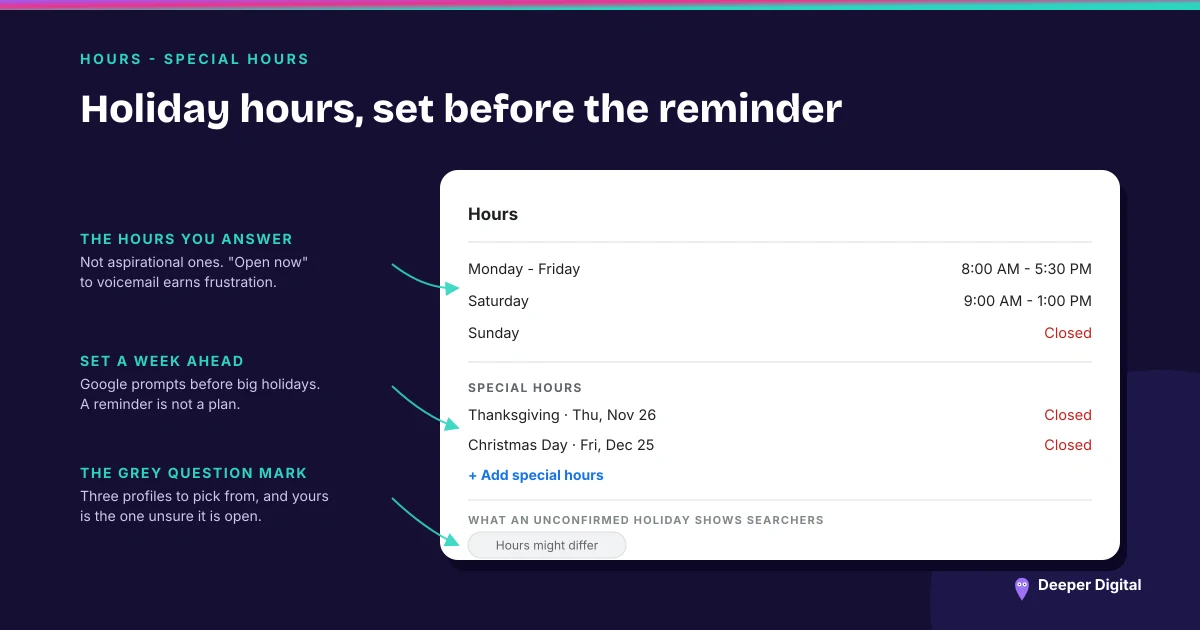
Set the hours you answer the phone, not aspirational ones. If nobody picks up at 7am, don’t list 7am. “Open now” that goes to voicemail earns frustration, not bookings.
If you’re a service-area business with no storefront, still set hours. They tell Google and customers when you take calls and bookings, and they keep you in time-based searches. Skipping them because “customers don’t visit” leaves calls on the table.
How do you set holiday hours?
This is the part almost everyone forgets until it’s too late.
In the same Hours section, add Special hours for the specific date — a holiday, a day you’re closing early, a week you’re on vacation. Set that date to closed, or to whatever adjusted hours you’re keeping.
Google will often prompt you before major holidays, but don’t rely on the reminder. Set them yourself a week or two ahead, especially around Thanksgiving, Christmas, and New Year’s, when search traffic is high and a “hours might differ” warning on your profile makes you look unreliable at the worst possible moment.
Why is the “hours might differ” warning worse than it sounds?
When Google isn’t sure your hours are right — because a holiday’s coming and you haven’t confirmed, or your information conflicts somewhere — it can show a grey “hours might differ” note on your profile.
Picture the customer: they’ve got three businesses to choose from, they’re ready to call now, and yours is the one with a question mark over whether you’re even open. They call one of the other two.
You never see the lost call; it just doesn’t happen. Setting special hours ahead of time removes the warning and the doubt.
Keep them consistent everywhere
Your hours on Google should match your website and your other listings. Contradictory hours are just another form of the inconsistency that erodes trust across the board — the same problem that makes NAP consistency matter. If Google sees 9–5 in one place and 8–6 in another, it trusts you a little less, and so does the customer who notices.
Ten minutes, done right
Set your real regular hours. Add special hours for every holiday and closure before it arrives.
Match them to your website. That’s the whole task — small, boring, and quietly responsible for more saved calls than it ever gets credit for.
Keeping every one of these details current, month after month, is the unglamorous half of the job — here’s what we run so you don’t have to. Want us to check what your profile looks like right now, hours and all? Grab a free game plan.
 NASP
NASP  Wild Foods Co.
  Noble Origins
  Cowboy Pools
  BT Biltong