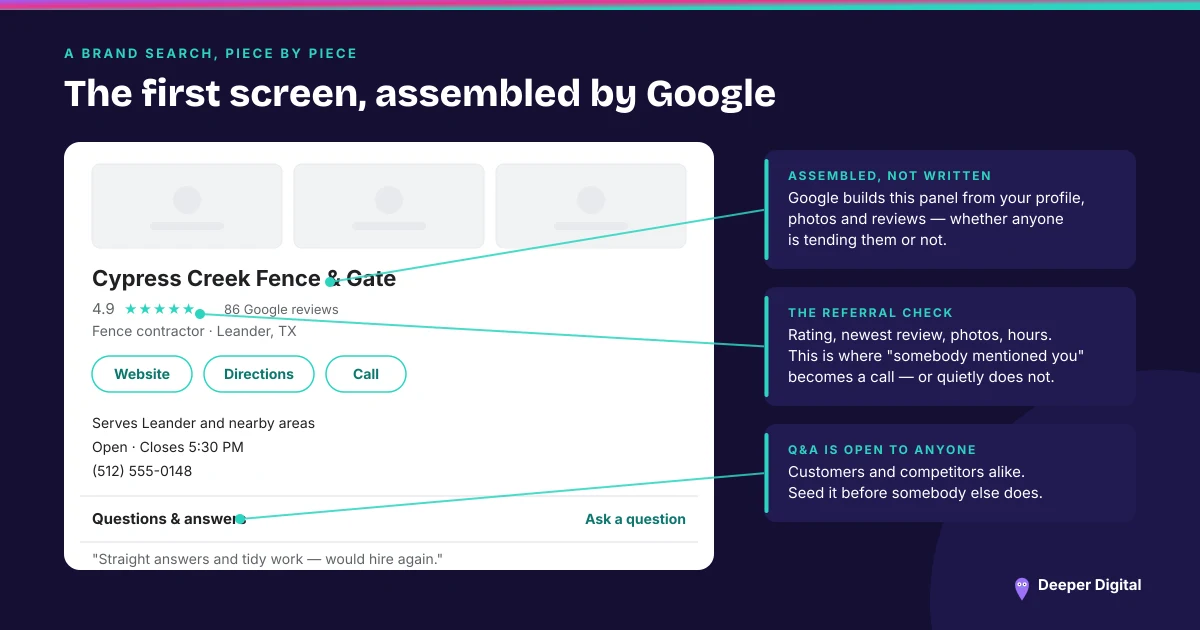
There is a field on your Google Business Profile for your social accounts, and on most profiles it is empty. It costs one sitting to fill in, it is free, and it is one of the few places where you decide what appears rather than Google deciding for you.
Everything below was read off Google’s own help page for managing social media links on 1 September 2026. Google notes at the top of that page that the feature is available in select regions and may not be available on your profile at this time, so the first step is opening the editor and looking.
One per platform, and seven platforms
Google accepts one link each for Facebook, Instagram, LinkedIn, Pinterest, TikTok, X and YouTube. One per platform is the whole rule — the page’s own example is that you can add one Facebook link and one YouTube link, but not two YouTube links.
For most local service businesses that means two or three fields get used and the rest stay blank, which is the correct outcome. An empty TikTok field is not a gap.
Where the field actually is
Google’s documented path: Edit profile, then Contact, then the edit control next to Social profiles. Pick the platform from the dropdown, paste the address into the Web address field, and use Add social profile for each one after the first.
Removing one runs the same way — open the same panel, delete the entry, save.
Google may have filled it in for you
The help page notes that some Business Profiles may show social media links automatically if they meet certain requirements. So the field can be populated without anyone on your side touching it, which is worth checking before assuming it is blank.
If Google added a link and it is the wrong account — an old page, a personal profile, a location account nobody maintains — Google’s guidance is that you can replace it with a different one. Removing an auto-added link outright is the harder case, and the page points to contacting support for that.
The formats are stricter than they look
Each platform has a documented address format, and Google lists them explicitly: facebook.com/{username}, instagram.com/{username}, LinkedIn as either /in/{username} or /company/{username}, pinterest.com/{username}, tiktok.com/{username}, twitter.com/{username} for X, and YouTube as /channel/, /user/ or /@handle.
This matters because a link that works perfectly in a browser can still be the wrong shape. A YouTube address with a video ID on the end, or a Facebook link carrying tracking parameters, is a URL that opens fine and gets rejected. Google’s four named causes for a rejected link are that it is broken, duplicated, invalid, or points to an unsupported platform.
There is no click data
Google’s page says it plainly: it does not currently provide performance metrics or click tracking for social media links. Whatever those links do, Google will not tell you how often anyone used them.
The field is a courtesy, not a scoreboard. Treat it the way you treat the rest of the profile’s contact surface — a correct, current answer to “where else does this business exist” — and read any traffic it produces in the destination platform’s own numbers.
That is also the honest reason to fill it in. A profile whose linked accounts are current and consistent with the name and phone on every other listing is one more thing agreeing with itself, which is the whole discipline behind NAP consistency and behind everything that appears when somebody searches your business name. It is the same instinct that makes the free listing on Bing worth twenty minutes.
Open the editor, check whether the field exists on your profile, and fix whichever account Google guessed at. Keeping the profile’s fields filled in and current is part of what we run every month — this one takes a sitting and then stays done.
 NASP
NASP  Wild Foods Co.
  Noble Origins
  Cowboy Pools
  BT Biltong