Open your profile and count the photos. Then count the ones you uploaded. For most businesses that have been on Google for more than a year, the second number is smaller, and nobody chose that.
Customers can contribute photos to any Business Profile. Google’s position on switching that off is one sentence: you can’t stop customers from posting photo updates, but you can report inappropriate photos.
Two different things are happening
Photos on the profile. Images customers attach to a review, or upload directly. They sit in the same Photos tab as yours. On Search, the source and total view count show in the bottom left corner of each one, which is how you tell them apart at a glance.
Photo updates. A newer format — one or more photos, with or without text, posted from the Maps app. Google’s framing is that they highlight changes: different hours, a seasonal menu, something new. The difference that matters commercially: a customer gets one review, and as many photo updates as they like.
The controls exist, but not where you are looking
Photo updates by visitors are a Maps app feature and only a Maps app feature. Business, then See Business Profile, then Updates, then By visitors. You cannot see that tab on a desktop, which is why most owners have never seen it, and why an unflattering photo update can sit there for months.
Three things you can do from there: read them, reply to one, or report one. Reply is the underused option. It is the same instinct as replying to a review — a photo of an empty waiting room at 4pm is a fact, and a short reply that supplies the missing context is read by everyone who scrolls past it afterward.
When a photo genuinely has to go
Reporting is a policy request, not a preference request. Open the photo in the Photos tab, choose Report a problem, and pick the reason: privacy concern, not a photo or video of the place, spam, personal information. In the Maps app the path is More, then Report.
Google reviews these over several business days, and warns that submitting multiple removal requests for the same content might delay the process. Filing the same request four times is slower than filing it once.
A photo you dislike is not a photo that violates a policy. A photo containing a customer’s face, a license plate, an address, a medical detail, or somebody’s child is a different matter entirely, and privacy concern is the reason that fits it.
The fact that should change what you upload
Buried in Google’s photo documentation: if the cover photo you select is low quality, or if other sources suggest it is not the best photo to represent your business, a user-submitted photo may be selected instead.
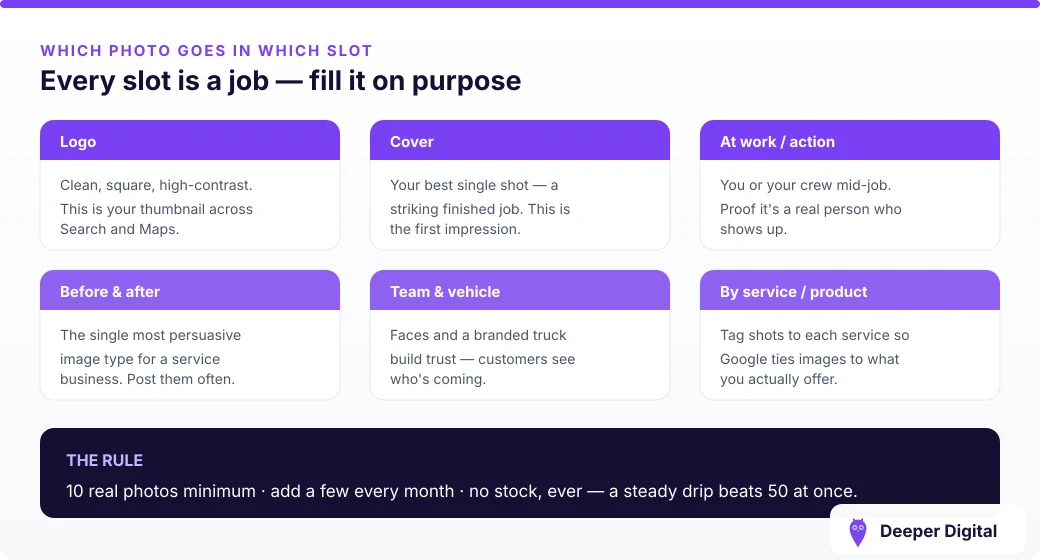
Read that as a competition you are entered in whether you like it or not. The way to win it is not to report anything. It is to upload enough good work, often enough, that Google’s pick from the pool is yours — which is the same argument as photo cadence, arriving from an unexpected direction.
For businesses that travel to the customer, this cuts harder than for a storefront. There is no building for anyone to photograph, so the photo pool is entirely work, vehicles and results — half of it contributed by people who took the picture on a phone in a driveway.
A short standing routine
- Once a month, open the Maps app and check Updates, By visitors
- Reply to anything that reads as a question, or that is missing context
- Report only what breaks a policy, and only once
- Upload your own work more often than your customers upload theirs
Check the By visitors tab this week — most owners have never opened it. Keeping the profile stocked with your own current photos, month after month, is a standing item on every plan.
 NASP
NASP  Wild Foods Co.
  Noble Origins
  Cowboy Pools
  BT Biltong