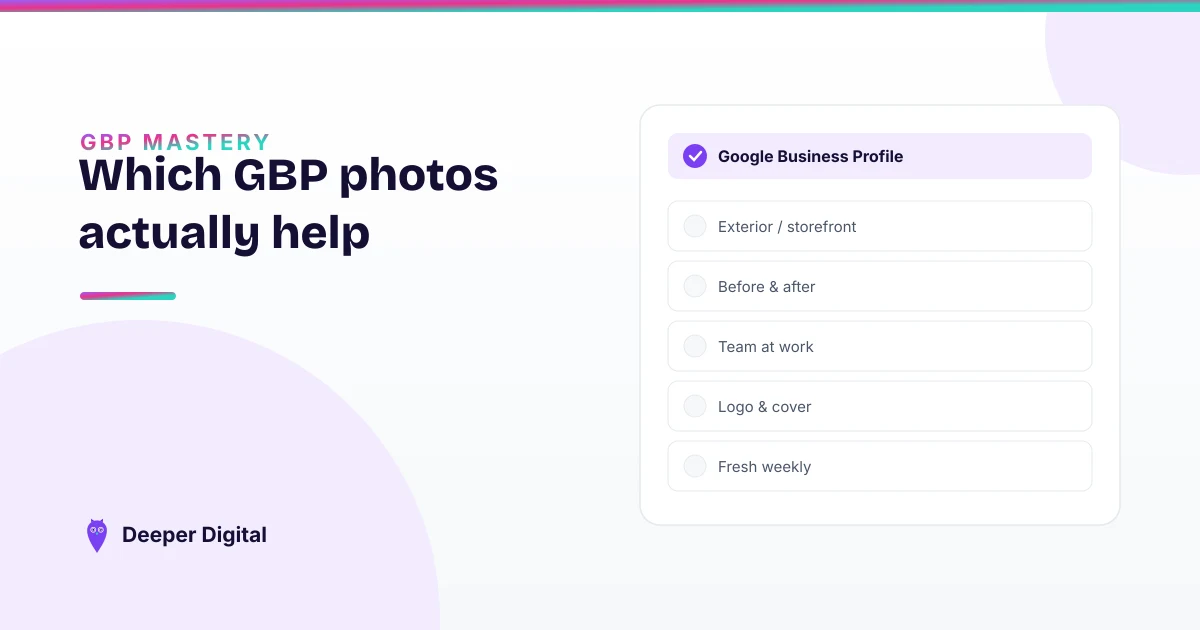
On a Google Business Profile, your logo goes in the avatar slot, your crew and your best real jobs go in the gallery, and two or three fresh photos a month keep the whole thing alive.
Most owners instead dump ten random shots in once and never touch it again. That leaves rankings and calls on the table, because Google reads photo activity as a sign the business is alive.
We set photos up the same way every time, starting with our own. Here’s the whole system.
Do photos on a Google Business Profile actually matter?
Yes — in two ways. Customers scan your photos before they read a word, so weak or missing photos quietly cost you the call.
And a steady stream of fresh photos is a “this business is active” signal to Google, the same way regular posts are. It’s not the biggest ranking lever — your primary category is — but it’s one of the easiest to get right.
Which photo goes in which slot?
This is where most people slip. The slots aren’t interchangeable.
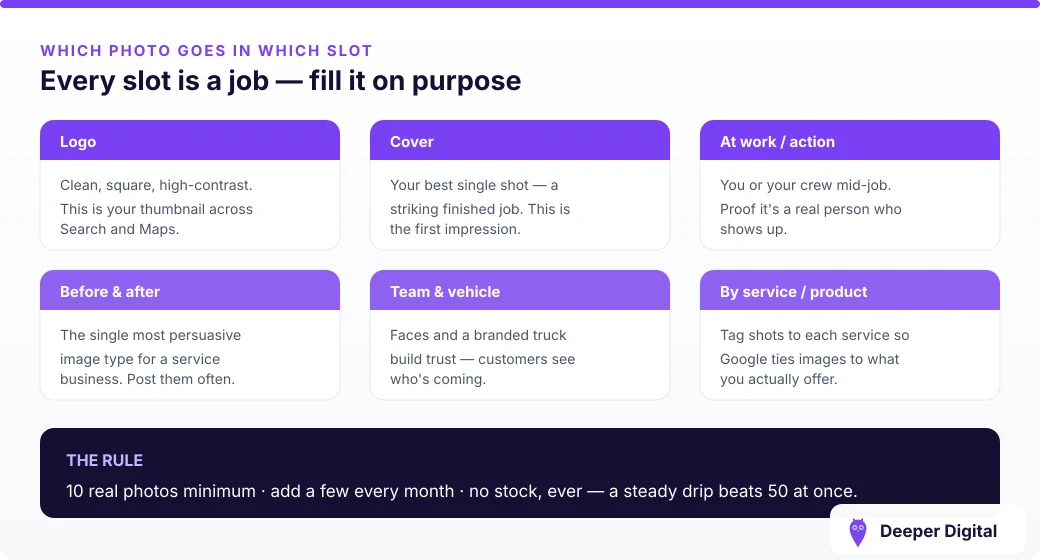
Your logo → the profile photo (avatar) slot. This is the little round image next to your business name in Maps, on your posts, and on your review replies. It should be your logo, and it must match the logo on your website and your other listings. That consistency is itself a trust signal. Set it once and never swap it.
Your face and your crew → the photo gallery. This is where the human proof lives. A real owner, a real van, a real team on a real job beats any stock image. People hire people — “there’s an actual person behind this business” is credibility a faceless competitor can’t fake.
Your best work → also the gallery. Before-and-after shots of real jobs are the single most persuasive thing you can add. Nobody scrolls past a filthy driveway turning clean.
How many photos do I need, and how often?
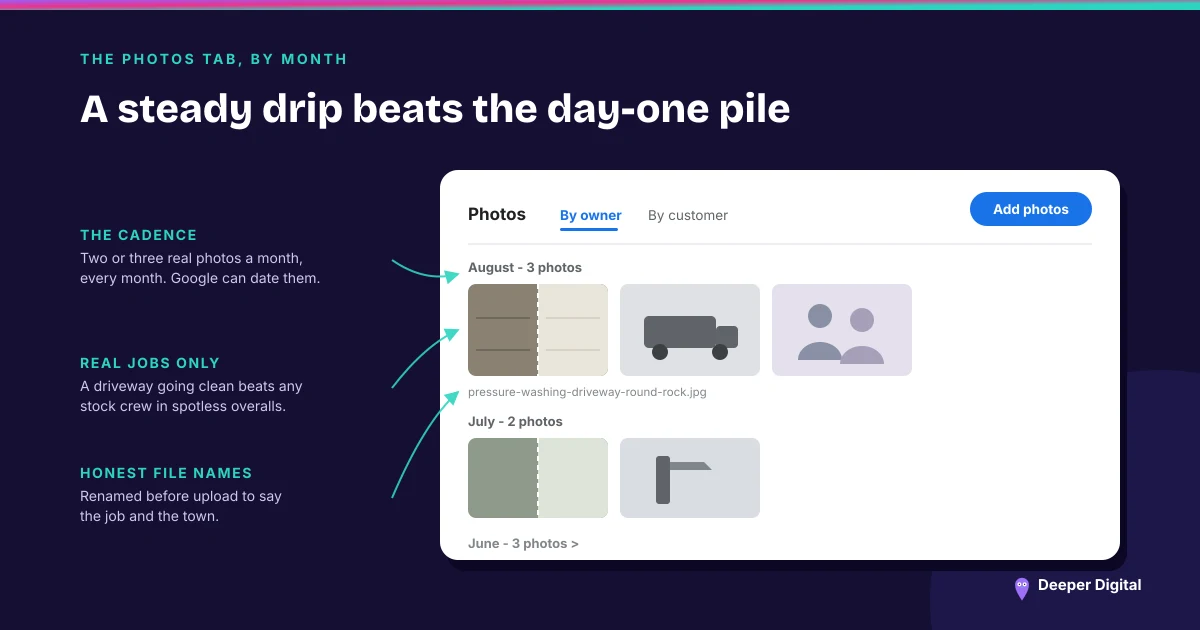
Start with at least ten real ones, then add two or three a month — forever. A batch of two a week beats fifty dumped in on day one, because Google rewards the ongoing activity, not the pile. Aim to build past a hundred over time.
Should I use stock photos?
No. Stock photos are worse than no photos — customers spot them instantly, and the smiling man in spotless overalls has already worked for every competitor in your city. Google’s own photo guidelines call for real, in-focus, unaltered images too, and its tips for business photos spell out what performs. Every image should be a real job, your real equipment, or your real team.
Do photo file names matter for SEO?
A little, and it’s free, so do it. Rename the file before you upload it to describe the job and the area — pressure-washing-driveway-round-rock.jpg instead of IMG_4821.jpg. Don’t stuff keywords; just describe the photo honestly.
The quick photo checklist
A healthy photo section is ten real photos to start, two or three added monthly, honest file names, and zero stock:
- Logo in the profile/avatar slot, matching your website — set once, never changed
- Owner and crew shots in the gallery
- Before-and-after shots of your best real jobs
- Ten to start, two or three added every month
- Real photos only — never stock
- Honest, descriptive file names before upload
Photos are one line on a much longer profile checklist. If you want to see where your whole profile stands, run the full 15-minute checklist — it’s the same one we score a profile against before we say a word about it.
Doing this every month is the boring part most owners skip, and it’s exactly what we run for you. Want a read on your current photos and everything else? Grab a free game plan — no card, no pitch you didn’t ask for.
 NASP
NASP  Wild Foods Co.
  Noble Origins
  Cowboy Pools
  BT Biltong